

Software guides - CORELDRAW

-
1
Create document
.Go to . You will open a window (image below) where you can define the settings of the document.
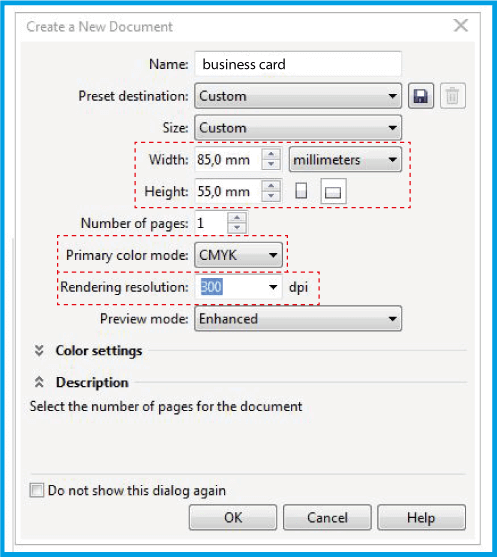
.In this window, define the name and dimensions of the document. Select the field and in enter .
-
2
BLEED (SANGRÍA)
.Go to .
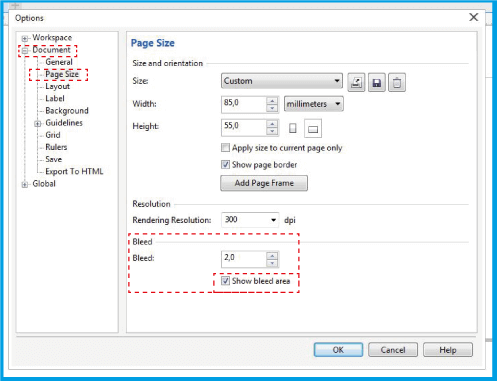
.In the window, open .
.In the panel, place the 0.078″ (2 mm) measurement in the editable field and add .
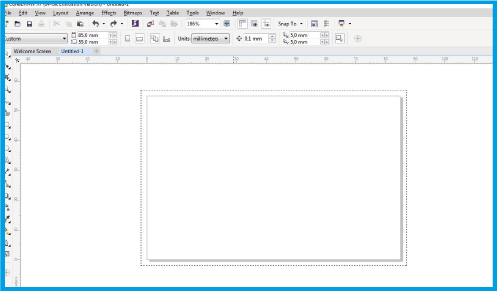
.Your document should look similar to the one shown below, then extend the background of your filter to the bleed area.
-
3
SAVE DOCUMENT
.To save your document go to .
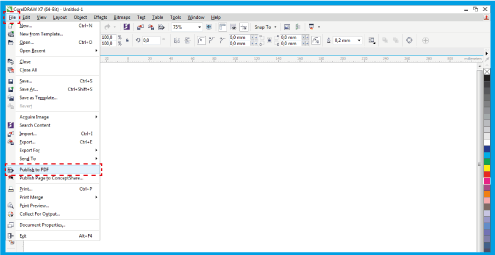
.In the window that will open, click .
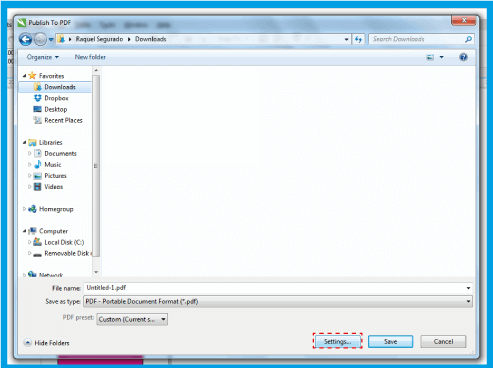
.In the
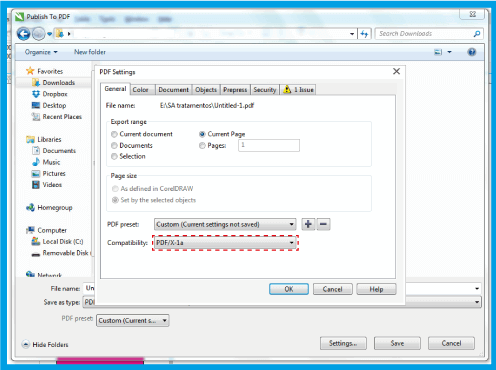
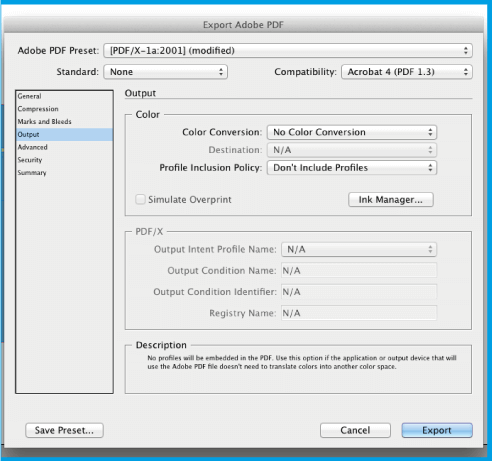
.N the tab select and select .
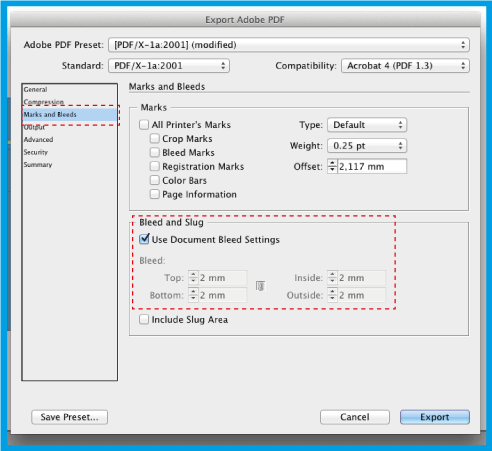
.. In the tab under enter Finally, click OK and save the document..